Convert Phone Numbers to International Format
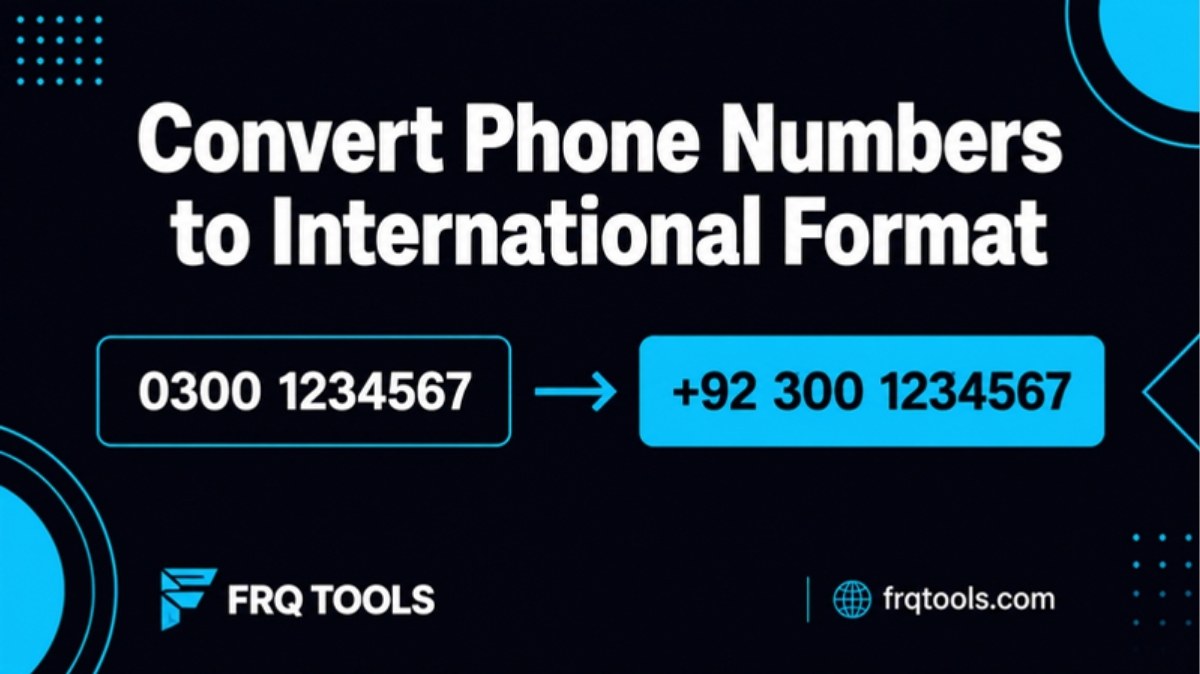
To convert phone numbers to international format, drop the leading 0, add the country code, and keep digits only. In Pakistan, 0300 1234567 becomes +92 300 1234567. For a WhatsApp link, write it as 923001234567 with no plus sign. Do this for the whole list before you import it anywhere.
I build CRMs and Google Sheets systems for small businesses. Almost every import job starts the same way: a phone column that looks fine to a person and breaks the moment a machine reads it. This guide shows what goes wrong and how to fix a whole list in a few minutes.
What is international phone number format?
International format writes a number so it works from any country. It starts with a plus sign, then the country code, then the number without the local starting zero. The standard behind this is called E.164. It allows at most 15 digits, and only digits, as the E.164 overview on Wikipedia explains.
The same page says a number is conventionally written with a leading plus sign. The plus stands in for the "exit code" you dial to leave your own country. Because of that, it is not part of the number itself.
Google's open source libphonenumber library works with this idea. It turns a raw number and a country into a clean, checked number. Many CRMs use it behind the scenes. If your list is clean before it arrives, the CRM has nothing to guess.
How does a Pakistani mobile number change?
A Pakistani mobile number has a local zero at the front. Callers inside the country dial it. Callers from abroad do not. The Wikipedia page on Pakistan numbers says mobile codes are four digits, start with 03, and are followed by a seven digit number. It also says the 0 is the trunk prefix, used only for calls inside the country, and that callers from abroad dial +92 instead.
So the steps are simple: remove the first 0, put 92 in front. Here is how the same number looks in the common styles.
| Style | How it looks | Use it for |
|---|---|---|
| Local | 0300 1234567 | Calling inside Pakistan |
| Local, zero lost | 3001234567 | Broken data. Fix before use. |
| International | +92 300 1234567 | CRMs, forms, business cards |
| Digits only | 923001234567 | WhatsApp links, many SMS apps |
| Double zero | 00923001234567 | Some older phone systems |
Why do phone lists break on import?
Five faults cause most of the trouble. I see them in nearly every client file.
Lost zero. Spreadsheets treat a phone number as a plain number, so 0300... can turn into 300.... The number looks short but is still readable by a human.
Mixed styles. One row says +92 300, the next says 0300, the next says 92300. A CRM sees three styles, not one.
Duplicates. The same person typed in two styles counts as two contacts.
Wrong length. A missing or extra digit gives a number that goes nowhere.
Landlines mixed with mobiles. WhatsApp and most SMS apps need a mobile. A Lahore landline starts with 042, not 03.
Duplicates are the quiet one. If a lead appears twice, your team may call twice, or your follow-up message goes out twice. I wrote about the cost of messy lead records in WhatsApp lead management for small business.
None of these faults is hard to fix on its own. The pain comes from having all five in one file of two thousand rows. A person cannot check that by eye, and a CRM will not warn you. It will simply import the bad rows and let you find out later, when a message fails or a customer gets two calls in one day.
How do you convert a whole list of phone numbers at once?
Use the FRQ Phone Number Formatter. Paste your list, or open a .txt or .csv file. You can paste text with numbers buried inside it, and the tool finds them. The page says cleaning happens in your browser, and the numbers are not sent to or saved on the server.
Choose the country. The page shows Pakistan examples.
Choose an output style: digits only, plus format, local, easy to read, double zero, or a wa.me link.
Tick the options you need: find numbers in text, remove duplicates, mobile numbers only, sort.
Check the "Need checking" list. It flags numbers with the wrong length, landlines when you asked for mobiles only, and numbers with another country code.
Copy the clean list, or download it as .txt, .csv or .vcf contacts.
The tool says numbers like 0300 1234567, +92 300 1234567 and 3001234567 all become 923001234567. That one rule covers most Pakistani lists. Always read the "Need checking" list by eye. Those rows are the ones a machine could not decide.
Which format does each app want?
There is no single best format. Pick by where the list is going.
| Where the list goes | Best format | Example |
|---|---|---|
| CRM or Google Sheet | Plus format | +923001234567 |
| WhatsApp chat link | wa.me link | https://wa.me/923001234567 |
| Bulk SMS app | Digits only | 923001234567 |
| Phone contacts | .vcf file | Import into the phone |
| Printed card | Easy to read | +92 300 1234567 |
For the WhatsApp row, the Bird guide to click to chat links says a wa.me link needs the full international number as digits only. It says to remove the plus sign, brackets and dashes, and to convert to international form first. Its example turns +1 (555) 123-4567 into wa.me/15551234567. Check the link on your own phone before you send it to a thousand people.
Can you fix phone numbers by hand in Google Sheets?
Yes, for a small list. Format the phone column as plain text before you paste anything in. This stops the sheet from treating the number as maths and dropping the zero. Then use a formula to build the new value.
For a clean 11 digit Pakistani mobile like 03001234567 in cell A2, this formula gives the digits only version:
="92"&MID(A2,2,10)
It keeps ten digits after the first zero and puts 92 in front. It works only when every row is already 11 digits with no spaces or dashes. Real lists are never that tidy. You would need to strip spaces, dashes and brackets first, then handle rows that already start with 92 or +92.
That is where a formula grows into a long, fragile chain. A tool that reads many styles and flags the odd ones is safer. Use the formula for a quick fix, and the formatter when the list is long or comes from many places.
Three mistakes I see again and again
Adding 92 to a number that already has it. You end up with 92923001234567. Check the length after cleaning.
Keeping the plus sign in a wa.me link. The link needs digits only.
Sending to a landline. It looks valid, but a WhatsApp message will not reach it. Filter to mobiles first.
A good rule: a clean Pakistani mobile in digits-only form is always 12 digits, starting with 923. If a row is not 12 digits, look at it.
What should you check before importing to a CRM?
Run this short checklist every time. It takes five minutes and saves hours.
Keep a copy of the original file. Never clean the only copy.
Clean the list in one go, in one style.
Remove duplicates.
Read every row in "Need checking" and fix it by hand or delete it.
Import five rows first as a test. Open them in the CRM and look.
Import the rest.
If you send messages after import, also read WhatsApp service message charges, because bad numbers can still cost you. And if your list lives in a sheet, Google Sheets CRM for small business shows when a sheet is enough. For pasted text that is messy in other ways, the Text Formatter and Cleaner helps.
Is it worth building this into your system?
If you clean a list once a year, a free tool is plenty. If new leads arrive daily from forms, ads and WhatsApp, cleaning by hand does not scale. Then the clean-up should run on its own, the moment a number enters your sheet or CRM. That is a small automation, not a big project.
If you want that for your business, contact me about custom CRM and business automation work.
Related reading
Want this built for your business?
Tell us what slows you down. We reply on WhatsApp within an hour with a plan and a fixed price.