Extract Numbers From a WhatsApp Group: Safe Ways
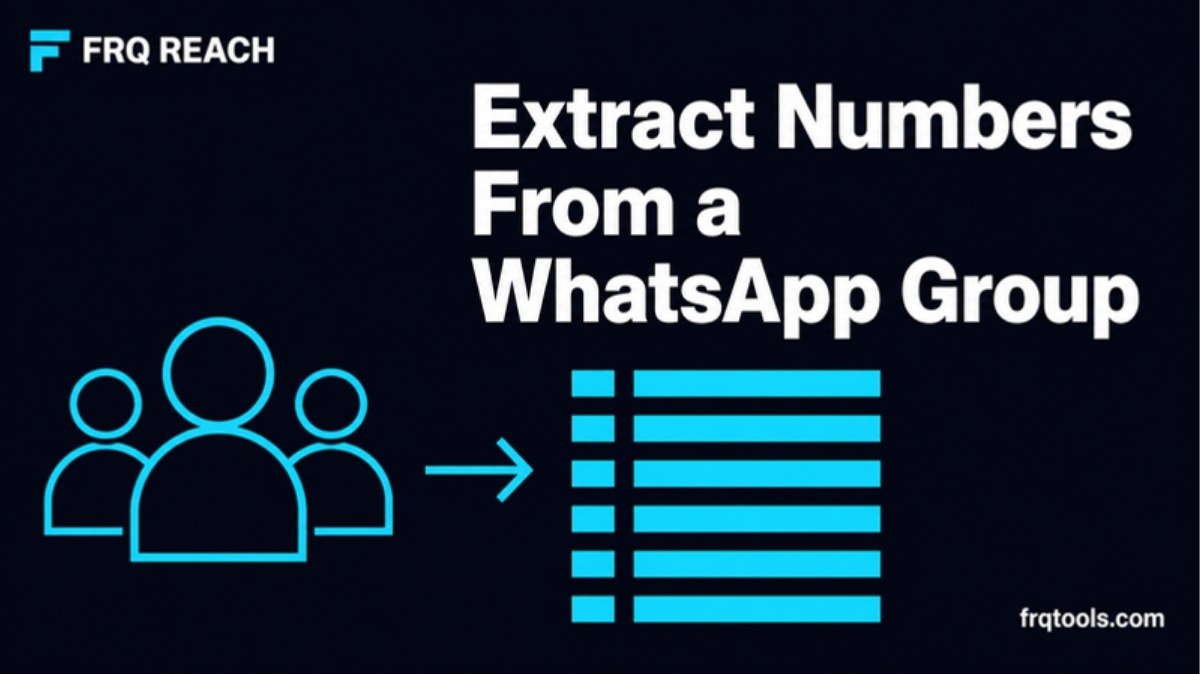
How do you extract numbers from a WhatsApp group? You can copy them by hand from the member list, or use a grabber in a desktop tool like FRQ Reach that lists every member whose number WhatsApp shows. Some groups hide numbers, so no tool can save them all. Save only what you are allowed to use.
I build CRMs and automations for small businesses. A very common first job is a messy list of leads, and a lot of those leads sit inside WhatsApp groups. This guide shows the options, the limits, and the honest rules around using the numbers.
Why would you save numbers from a WhatsApp group?
Most people do it for a normal reason. You run a class, a shop group, a society group or a customer group. You want the numbers in one sheet so you can follow up, or so you can move the list to a new group.
Typing 200 numbers by hand takes hours and you will make mistakes. That is why people search for a faster way.
What are the ways to extract numbers from a WhatsApp group?
There are three common ways. Each has a cost in time, risk or privacy.
| Method | Speed | Main problem |
|---|---|---|
| Copy by hand from Group info | Slow | Typing mistakes, hours of work for big groups |
| Browser extension | Fast | Runs inside your WhatsApp Web page, so you must trust the extension author with your chats |
| Desktop app with a grabber (FRQ Reach) | Fast | Windows PC only, paid plan needed |
I do not name other tools here. Check any extension you install very carefully, because it can see what is on the page.
How do you do it by hand?
Copy from Group info
Open the group and tap the group name at the top.
Scroll to the member list.
Write each number into a sheet, with the country code.
This works for small groups. Members you have saved show a name, not a number, so you also need to open each contact to see the number. That is why it gets slow.
Clean the numbers after
Numbers copied by hand come in many styles. Fix them before any import. The free FRQ Number Formatter helps, and I explain the steps in Convert Phone Numbers to International Format.
How does the FRQ Reach grabber work?
FRQ Reach is a Windows 10 or 11 desktop app for WhatsApp and WhatsApp Business. It has a Grabbers screen. You link your number once by QR code, pick your groups, and the app lists every member whose number WhatsApp shows. You can save the result to a list, or export it for Google Contacts, your phone or Excel.
The product page says grabbers also cover your chat list and your phone contacts. It does not give extra detail on how those two work, so I will not guess.
The group grabber is on Starter, Pro and Agency. It is not in the free trial.
1. Link your number by QR code2. Pick your groups3. Grab members whose number is shown4. Save to a list or export5. Clean the list and check numbersYour lists stay on your PC. The product page says linked numbers, contact lists and campaigns are not uploaded to FRQ servers. The app only checks your license key.
Why are some numbers missing from a group?
Some groups hide members' numbers. The FRQ Reach page says some large announcement groups do this, and that the app shows only the numbers WhatsApp shares.
WhatsApp has also added phone number privacy for communities. WABetaInfo reported in 2023 that in these communities, a member's number is visible only to admins and to people who saved that member as a contact. That is a news report on a beta, not WhatsApp's own help page, so details may have changed.
The lesson is simple. If a number is hidden, it is hidden on purpose. Do not look for tricks around it.
Is it allowed to save and message group members?
This is the part most guides skip. I am not a lawyer, so here is the plain meaning.
WhatsApp's Terms of Service do not allow bulk messaging or auto-messaging on the normal app, and they do not allow collecting user information in unauthorised ways. Tools that lower the risk do not remove it.
WhatsApp's Business Messaging Policy says you may contact people only if they gave you their number and you have their opt-in permission to message them.
| Situation | Safer or risky? |
|---|---|
| Saving numbers of your own customers or students to follow up | Safer, they know you |
| Moving your own group to a new group | Safer, with their agreement |
| Messaging strangers from a public group about your offer | Risky, no opt-in |
| Selling or sharing the list | Do not do this |
The FRQ Reach page gives the same advice: group members do not know your business yet, so message them slowly and with care.
What should you do after you have the list?
Clean it. Use one format, country code first, no spaces.
Check who is on WhatsApp. FRQ Reach has a number check on paid plans.
Ask for permission. Send a short first message that says who you are and how they can opt out.
Go slowly. Read WhatsApp Number Warm Up: A 14-Day Plan for New Numbers and Send Bulk WhatsApp Messages Without Getting Banned first.
What mistakes should you avoid?
I see the same errors again and again when clients bring me a list from a group.
Assuming every member is a lead
A group member joined for a reason, and it was not always to hear from you. Sort the list first. Keep people who bought from you, asked you a question or joined your own group.
Sending one big first blast
A new number that suddenly sends to hundreds of people is the pattern that gets accounts reported. Start with a small batch, watch the replies, and grow slowly. Never use your main business number for this.
Forgetting a way to say no
End your first message with a simple line such as "Reply STOP and I will not message you again". Then really remove those people from your list.
How much does FRQ Reach cost?
These are the prices on the product page today.
| Plan | Price a month | Numbers | Group grabber |
|---|---|---|---|
| Free trial (3 days) | Free, no card | 1 | No |
| Starter | $9 or PKR 2,500 | 1 | Yes |
| Pro | $19 or PKR 5,000 | 3 | Yes |
| Agency | $39 or PKR 10,000 | 10 | Yes |
The page also shows a founding offer: the first 10 buyers get Pro at the Starter price. Plans do not renew by themselves. A year costs 10 months, so you get 2 free. You can pay by card, JazzCash, Easypaisa or bank transfer.
FRQ Reach is an independent app. It is not made or approved by WhatsApp or Meta, and it lowers risk but cannot remove it.
How do you start?
Download the app from the FRQ Reach download page and read the install guide. The trial lets you test on your own PC first, but it does not include grabbers. To use the group grabber, pick a paid plan on the plans table.
If you want your leads, follow ups and reports to work as one system, I build custom CRM and automation for small businesses. Contact me here and tell me what you need.
Related reading
Want this built for your business?
Tell us what slows you down. We reply on WhatsApp within an hour with a plan and a fixed price.